Forms
Create contact forms, surveys, quote requests, registrations, and multi-step experiences.
Explore forms →Alex Morgan
Get a project quote⌄

Build powerful forms, calculators, widgets, and lead-generation experiences with a visual builder. Use Excel-style formulas or connect Google Sheets—no coding required.
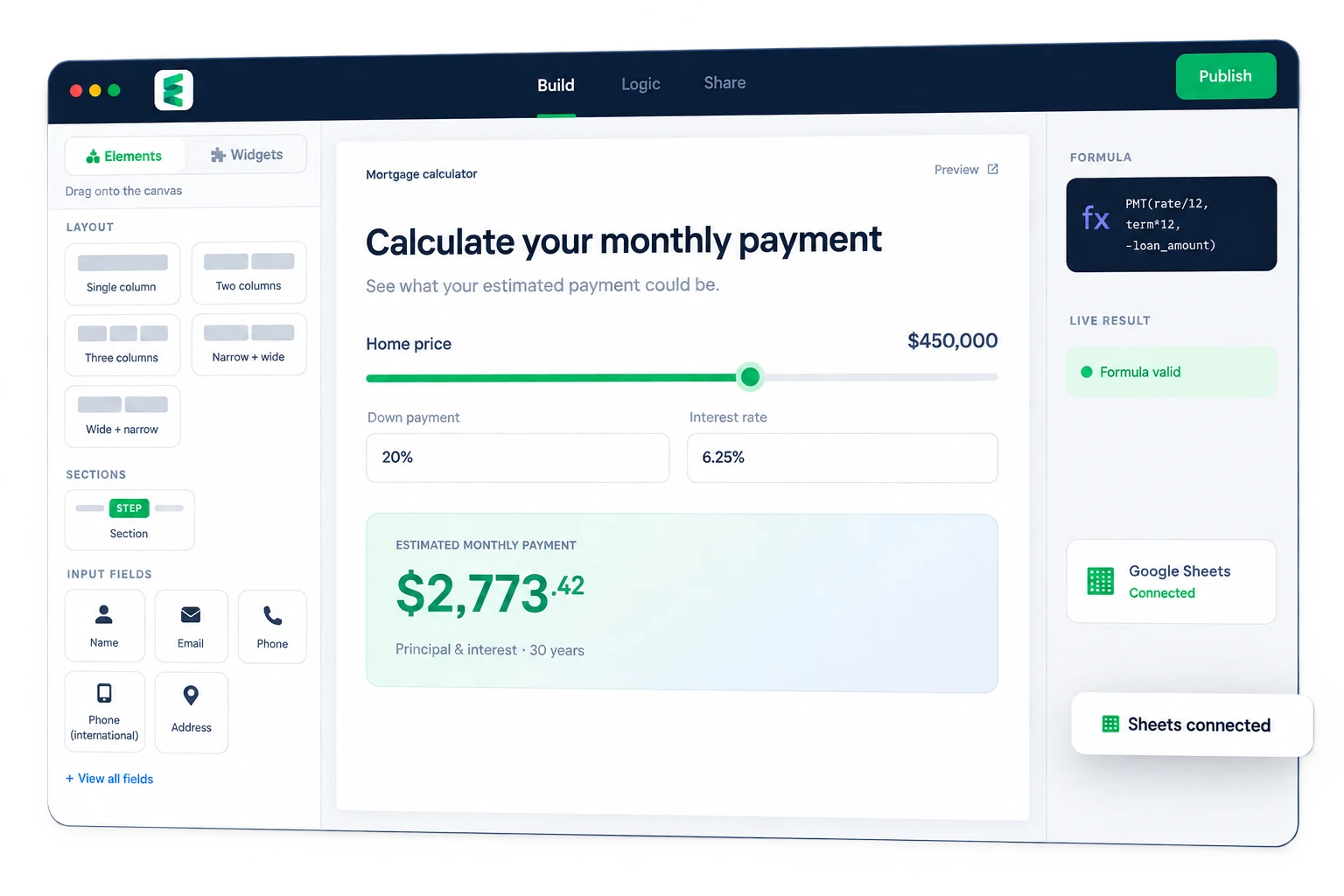
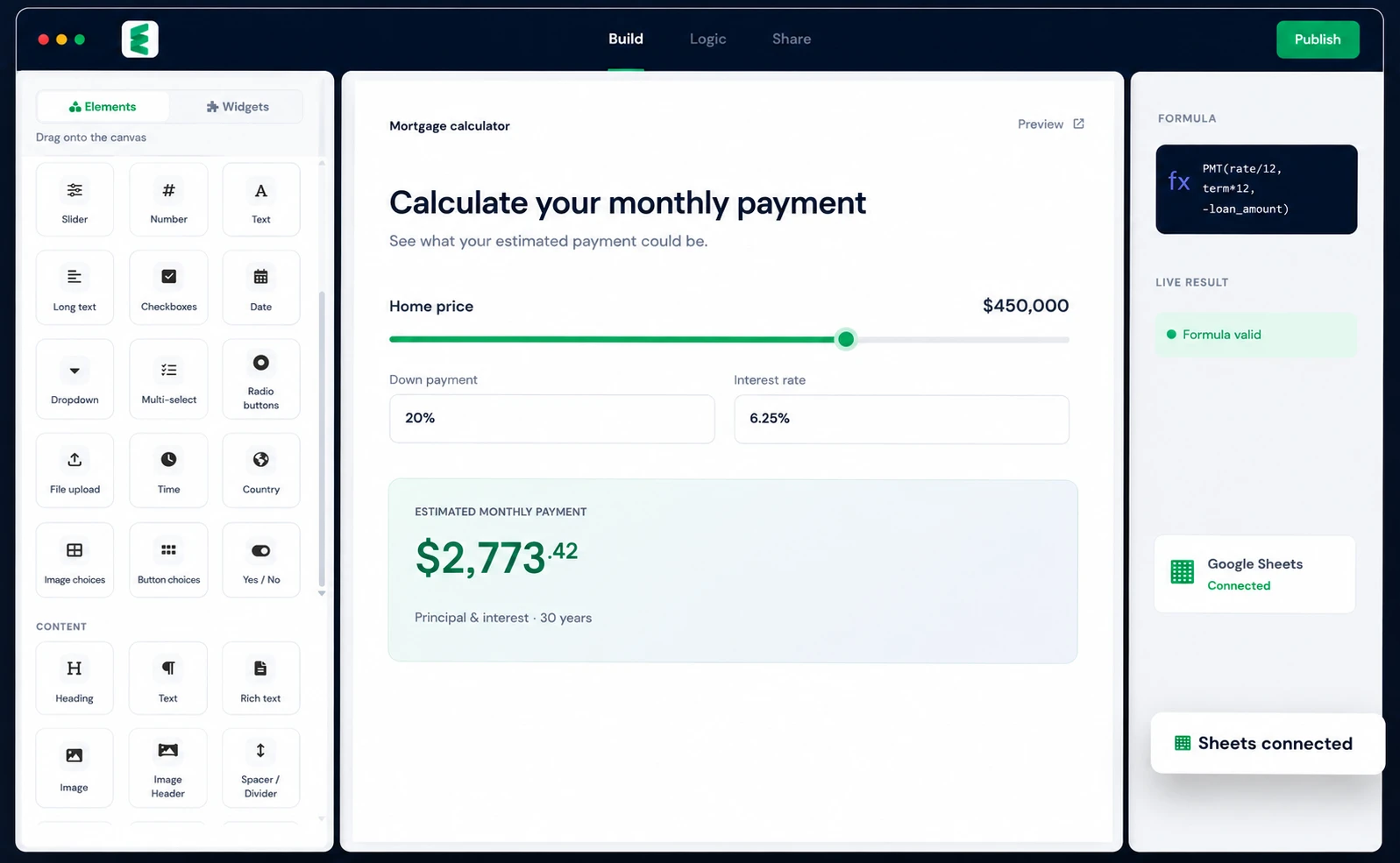
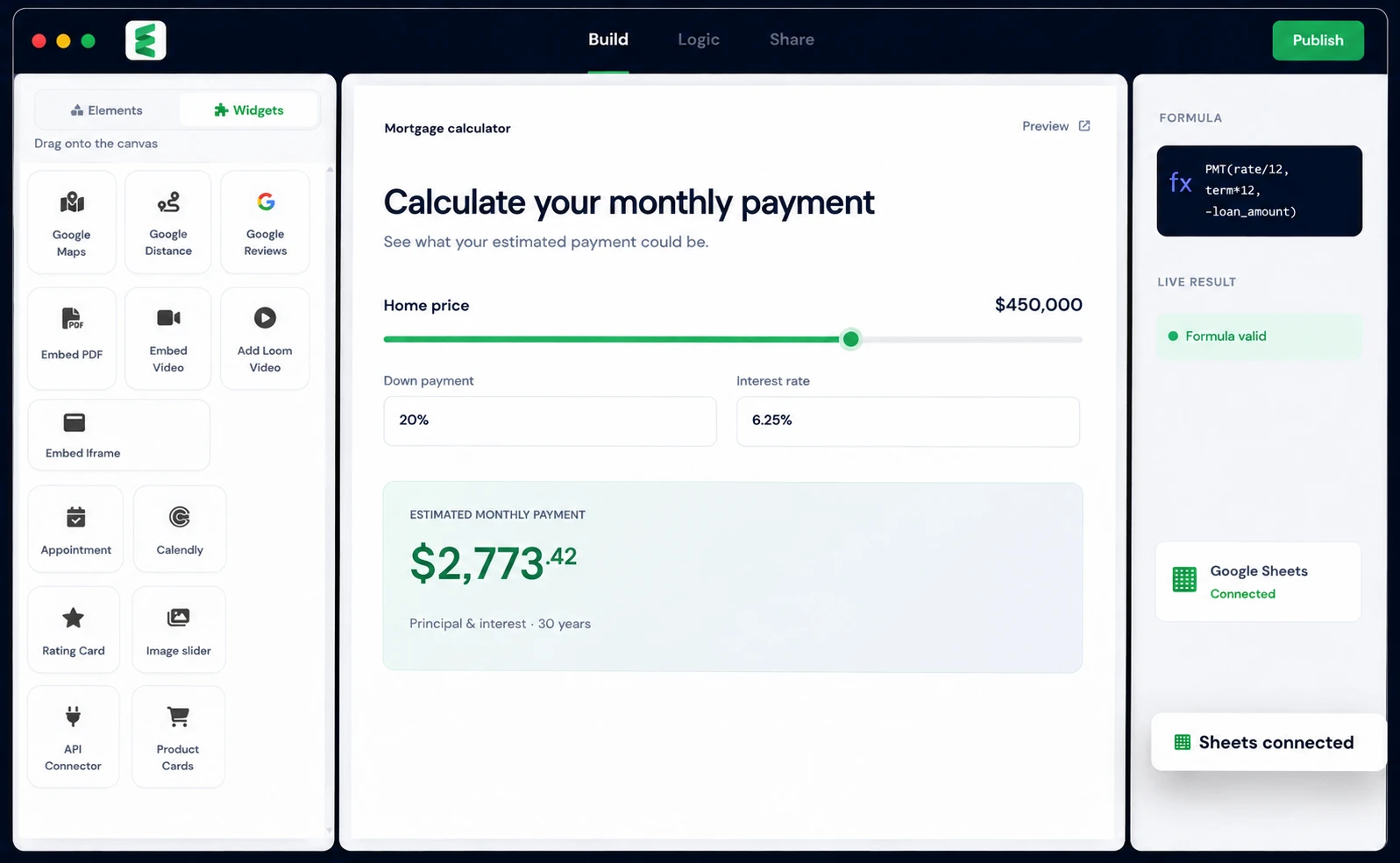
From a simple contact form to a sophisticated financial calculator, bring every idea to life in one visual workspace.
Create contact forms, surveys, quote requests, registrations, and multi-step experiences.
Explore forms →Build powerful finance, pricing, ROI, mortgage, solar, and cost calculators.
Explore calculators →Add charts, maps, tables, ratings, and richer interactive components to any site.
Explore widgets →Turn useful, personalized results into a natural path to qualified conversations.
Explore lead tools →Design sophisticated tools without writing HTML, JavaScript, or backend calculation code. Drag in a component, place it exactly where you want, and make it yours.

Build advanced calculations directly in Embedsheets. Reference fields like spreadsheet cells and create everything from quick estimates to multi-step financial models.
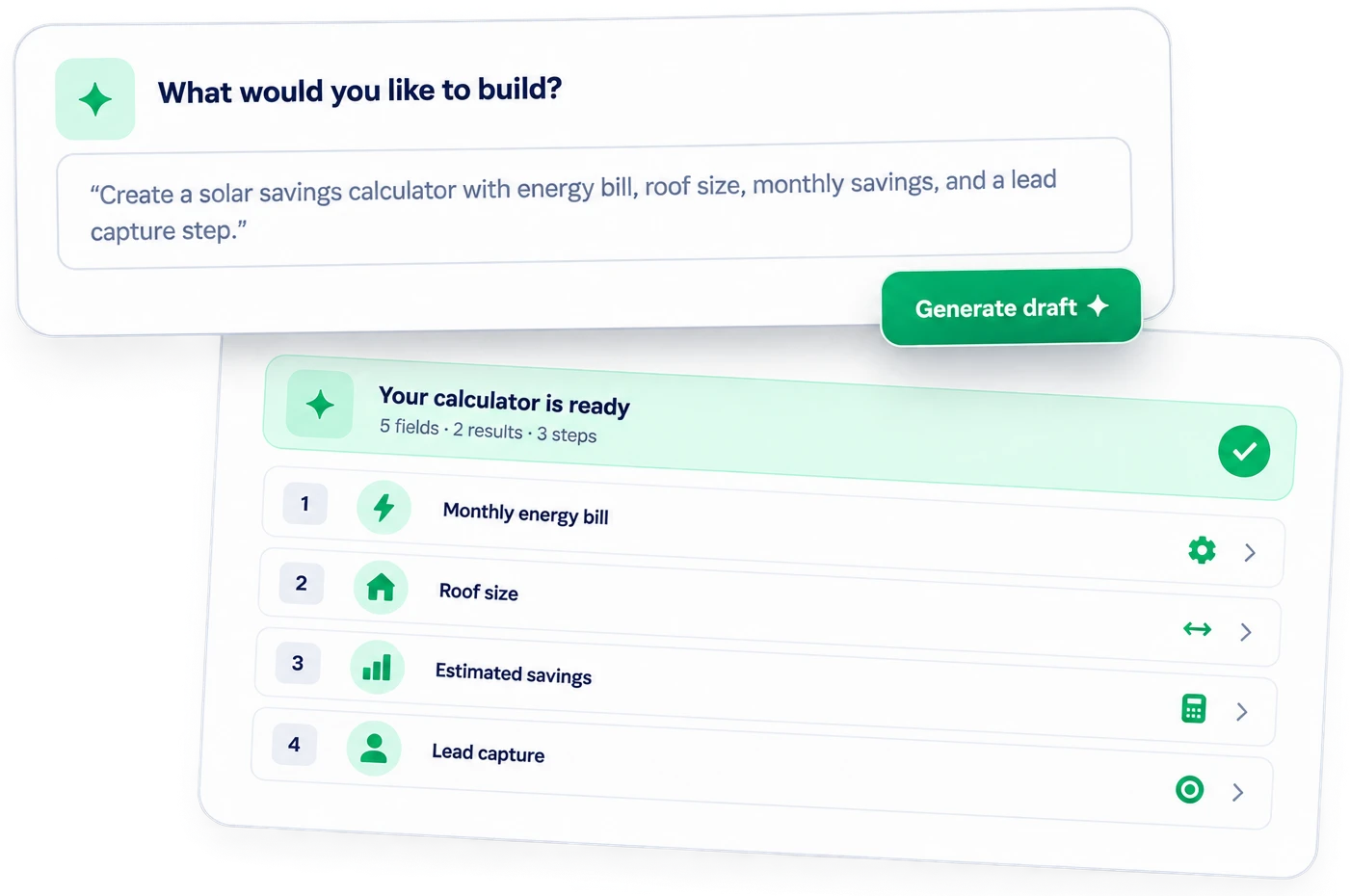
PMT(interest_rate / 12, loan_term * 12, -home_price + down_payment)We're bringing AI into the building experience. Describe the tool you need in plain language and get a thoughtful starting structure you can refine with full control.
Keep the formulas, pricing tables, and business logic you've already built. Embedsheets gives them a polished, interactive website interface.


No need to convert complex spreadsheet formulas into custom code.
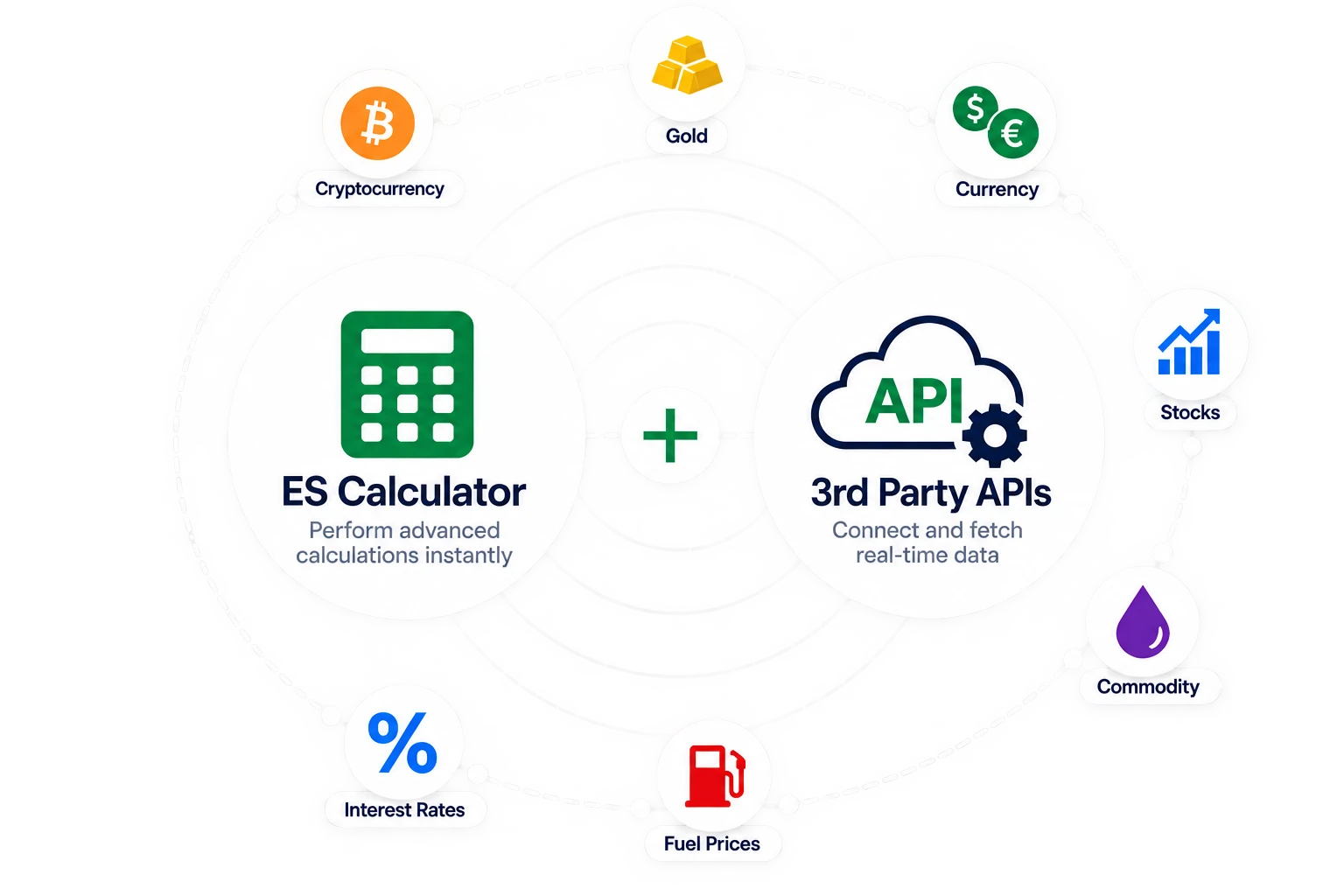
Power your calculators with real-time data from third-party APIs — gold, crypto, currency, stocks, fuel, interest rates and anything else with an address you can call.
Choose a polished template or begin with a blank canvas.
Add fields, widgets, results, charts, and lead capture.
Build formulas or connect your existing Google Sheet.
Paste one simple embed code into your website.
Connect everything. Power every workflow.
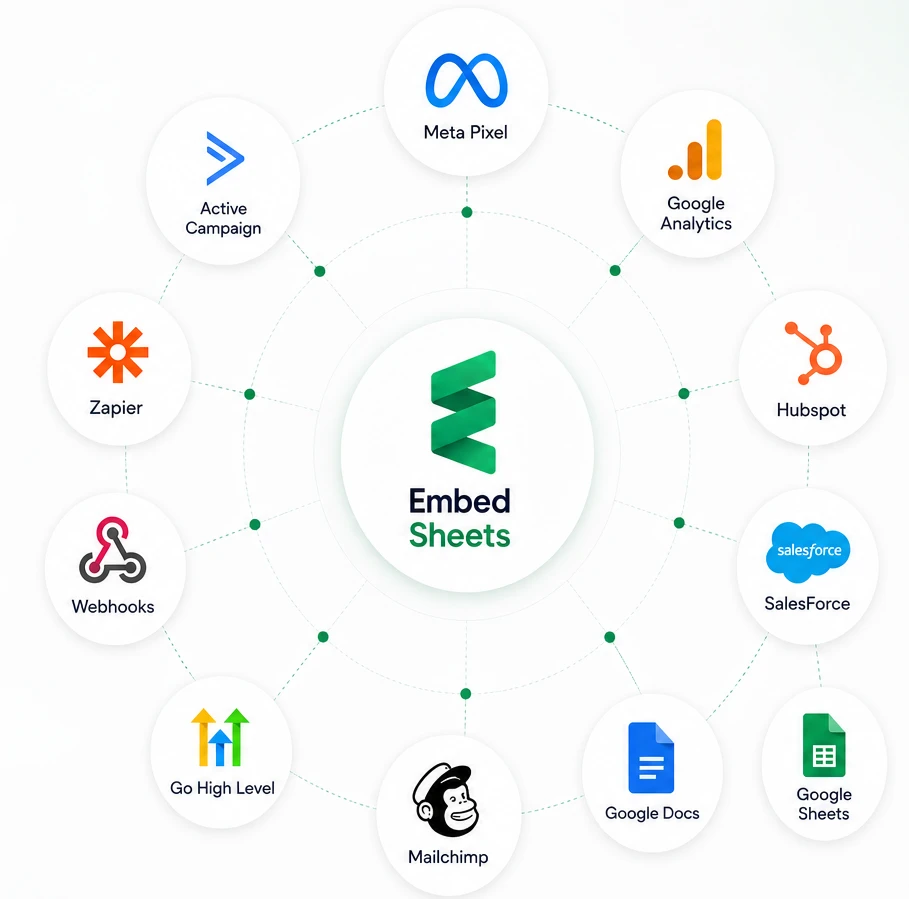
A submission does not have to stop at your inbox. Embedsheets calculates, captures the lead, and hands it straight to the tools you already run on.
Launch faster with professionally designed, fully customizable templates.
Browse all templates →Estimate monthly payments, interest, and affordability.
Preview →Show homeowners their potential energy savings.
Preview →Make the value of an investment easy to understand.
Preview →Every one of these is a form, calculator or widget you can build here and embed on your own website — with the built-in formula engine, or with a Google Sheet doing the maths.
Mortgage repayment, loan and EMI, refinance savings, compound interest, debt payoff, retirement and savings goal, currency conversion, affordability checks.
Browse calculators →Renovation and remodel cost, roofing, painting, flooring and tiling, HVAC sizing, moving quotes, cleaning quotes, landscaping and fencing estimates.
Browse calculators →Rent versus buy, rental yield and ROI, property valuation, stamp duty and closing costs, mortgage affordability, service charge and letting fees.
Browse calculators →Solar savings and payback, system and panel sizing, battery storage, energy bill comparison, heat pump running costs, EV charging and mileage costs.
Browse calculators →BMI and body fat, calorie and macro targets, TDEE, pregnancy due date, water intake, insurance and treatment cost estimates.
Browse calculators →Campaign ROI and ad budget, CPC, CPM and CPA, lead value and break-even, website and design project quotes, retainer and hourly rate pricing.
Browse calculators →Profit margin and markup, shipping and freight cost, discount and bulk pricing, subscription and per-seat pricing, VAT and sales tax, print and product configurators.
Browse calculators →Contact and enquiry forms, quote requests, booking and appointment requests, event registration, job applications, onboarding, surveys and NPS, feedback and file uploads.
Browse forms →Charts from a spreadsheet or an API, comparison and pricing tables, amortisation and payment schedules, maps and distance lookups, Google reviews, ratings and PDF embeds.
Browse widgets →Cannot see yours? Anything that can be worked out in a spreadsheet can be built here — write the formula yourself or connect the sheet you already use. See all solutions.
Everything you need to know before building your first interactive tool.
Visit the help center →Embedsheets is a no-code platform for building interactive forms, calculators, widgets, and lead-generation tools that you can embed on any website.
Yes. Map your website inputs and result fields to Google Sheets cells, then let your existing spreadsheet formulas perform the calculations.
No. You can design, calculate, customize, and publish with a visual drag-and-drop builder.
Yes. Add lead capture before results, after results, or at a specific step in your calculator experience.
Embed your published tools on WordPress, Shopify, Webflow, Wix, Squarespace, HubSpot, Ghost, Notion, custom HTML and PHP sites, and most platforms that accept embed code. Every tool also gets a shareable link of its own, so you can send it in an email or a message without having a website at all.
Yes. Upload the .xlsx file to Google Drive and open it with Google Sheets, which converts it and keeps your formulas. Share that sheet with Embedsheets and map your fields to its cells - the calculations stay exactly where they are.
Yes. Turn on the access code for any calculator and visitors are asked for a six-character code before the form opens. It applies to the shared link; a calculator embedded on your own website opens normally for your visitors.
Yes. Add a webhook and every submission is posted to your server or CRM as JSON, signed so you can verify it came from us. Zapier, Make and most CRMs accept an incoming webhook directly. Submissions can also be appended as rows to a tab of your connected Google Sheet.
Yes. Results can be emailed or downloaded as a PDF. Use the built-in layout, or connect a Google Doc as the template so the PDF looks like the rest of your paperwork - your fields are filled into it wherever you place them.
Every submission is stored in your account and can be exported. You can also have it emailed to you, send the visitor their own copy, post it to a webhook, and add it to a Google Sheet - all at the same time.
No. The built-in formula engine handles Excel-style calculations on its own. Connecting a sheet is for when the logic already lives in one and you would rather keep it there.
Add calculators and forms to your WordPress site without touching a line of HTML. Free, and on the official WordPress.org directory.
Build powerful forms, calculators, widgets, and Google Sheets-powered experiences—without writing code.
No credit card required · Start in minutes